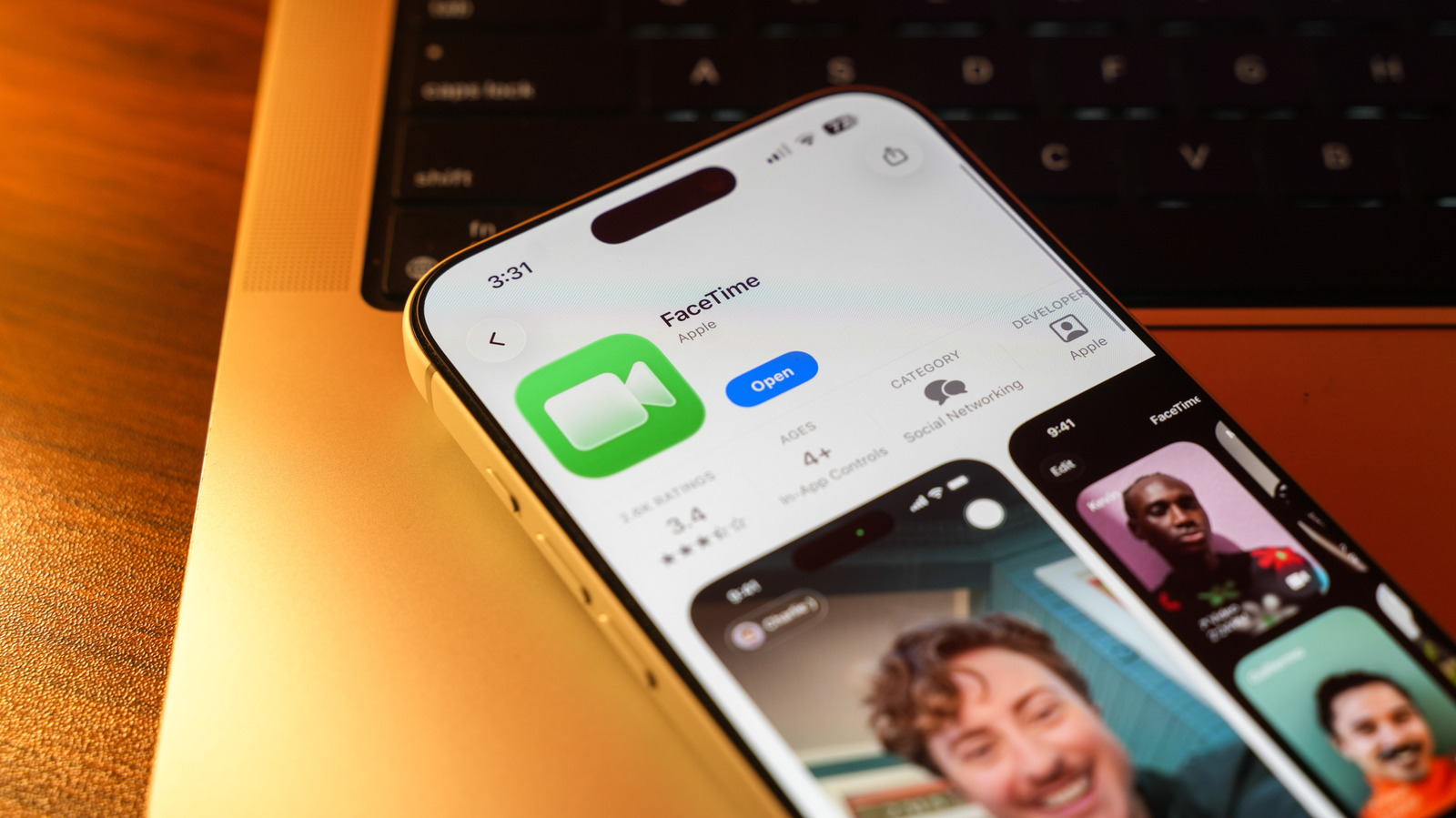
FaceTime on Android: Quick start guide
Apple now lets users of Android smartphones and Windows PCs join FaceTime calls through a simple web link. The process begins with an Apple device—iPhone, iPad, or Mac—creating a FaceTime invitation. The inviter shares the generated link via Messages, email, or any messaging app. Recipients click the link on an Android phone or Windows computer, grant camera and microphone permissions, enter a display name, and press Join. The call runs inside the browser, providing core audio/video controls without requiring an Apple ID.
Apple expands FaceTime to Android and Windows via web links
Apple announced that Android and Windows users can now join FaceTime calls without an Apple device, provided they receive a web link from an iPhone, iPad, or Mac. The feature, introduced with iOS 15 and macOS Monterey, remains limited to joining; non-Apple participants cannot initiate a call, and capabilities such as screen sharing and SharePlay are omitted. A modern browser (Chrome or Edge) and a stable internet connection are required. This change reduces friction for mixed-device groups that previously relied on third-party platforms.
How the joining process works on Android and Windows
- Create the link – An Apple device user opens FaceTime, starts a call, and taps the green link icon.
- Share the link – The link can be sent via any channel (e.g., WhatsApp, email, SMS).
- Open the link – On Android or Windows, the link opens in Chrome or Edge. The browser prompts for camera and microphone access.
- Enter a name – The participant types a display name and clicks Join.
- In-call controls – Users can mute, flip the camera, and toggle full-screen. The UI mirrors the native FaceTime experience but lacks advanced features.
Technical constraints of the web client
The web client is a thin wrapper around Apple’s existing FaceTime backend and relies on WebRTC for real-time media transport. Apple has not exposed proprietary codecs (e.g., AAC-ELD) or the SharePlay synchronization layer to the web stack, so those capabilities remain Apple-only. Only devices running iOS 15/macOS Monterey or later can generate a link, meaning enterprises that standardize on Android or Windows cannot independently host FaceTime meetings.
Why Apple introduced this cross-platform entry point
Apple’s ecosystem has historically been closed, but market pressure from ubiquitous video-call services forced a pragmatic concession. By allowing guests to join via a browser, Apple retains the FaceTime brand for group chats while avoiding the cost of native Android or Windows apps. The move also aligns with Apple’s broader strategy of extending services—such as Apple Music and Apple TV+—to non-Apple platforms through web interfaces.
Operational impact for developers and enterprises
Developers can embed FaceTime links as a fallback for users who prefer Apple’s native experience. However, the lack of an API for programmatically creating links means automation remains manual; enterprises must still rely on human-generated invitations or third-party scheduling tools that can copy the link. Security teams should note that the web client inherits Apple’s end-to-end encryption model, but the initial link transmission depends on the transport method (e.g., SMS vs. HTTPS). Sharing links over secure channels is recommended. For detailed guidance, see Apple’s official support page: Apple.
User experience comparison
| Feature | Native FaceTime (iOS/macOS) | FaceTime via Browser (Android/Windows) |
|---|---|---|
| Call initiation | Yes | No |
| Audio/video quality | Adaptive bitrate, full quality | Adaptive bitrate, full quality |
| Screen sharing | Yes | No |
| SharePlay | Yes | No |
| UI controls | Native app UI | Browser UI with limited controls |
The table shows that core audio/video performance remains comparable, but advanced collaboration features are absent. Users needing screen sharing should continue to use alternatives such as Zoom or Microsoft Teams.
Market and regulatory considerations
Apple’s decision does not trigger new regulatory scrutiny because the service remains optional and does not collect additional user data beyond what is already required for FaceTime. Nonetheless, the move may influence antitrust discussions around platform openness; by exposing a web entry point, Apple demonstrates a willingness to reduce lock-in for basic communication, albeit without fully opening the protocol.
What to watch next
Analysts will monitor whether Apple expands the web client to support SharePlay or introduces a lightweight native Android app. A broader rollout could pressure competitors to adopt similar cross-platform bridges, potentially reshaping the video-call market’s fragmentation. For now, the practical impact is modest: Android and Windows users can join existing FaceTime calls, but the ecosystem remains asymmetrical.
For a deeper technical dive, see our FaceTime setup guide.
Related coverage
- Google TV and Apple Remote Features Turn Phones Into Universal TV Remotes
- Android Gaming Phone Specs: What to Look for in a Premium Device
- Guide to Samsung side button customization on Galaxy phones