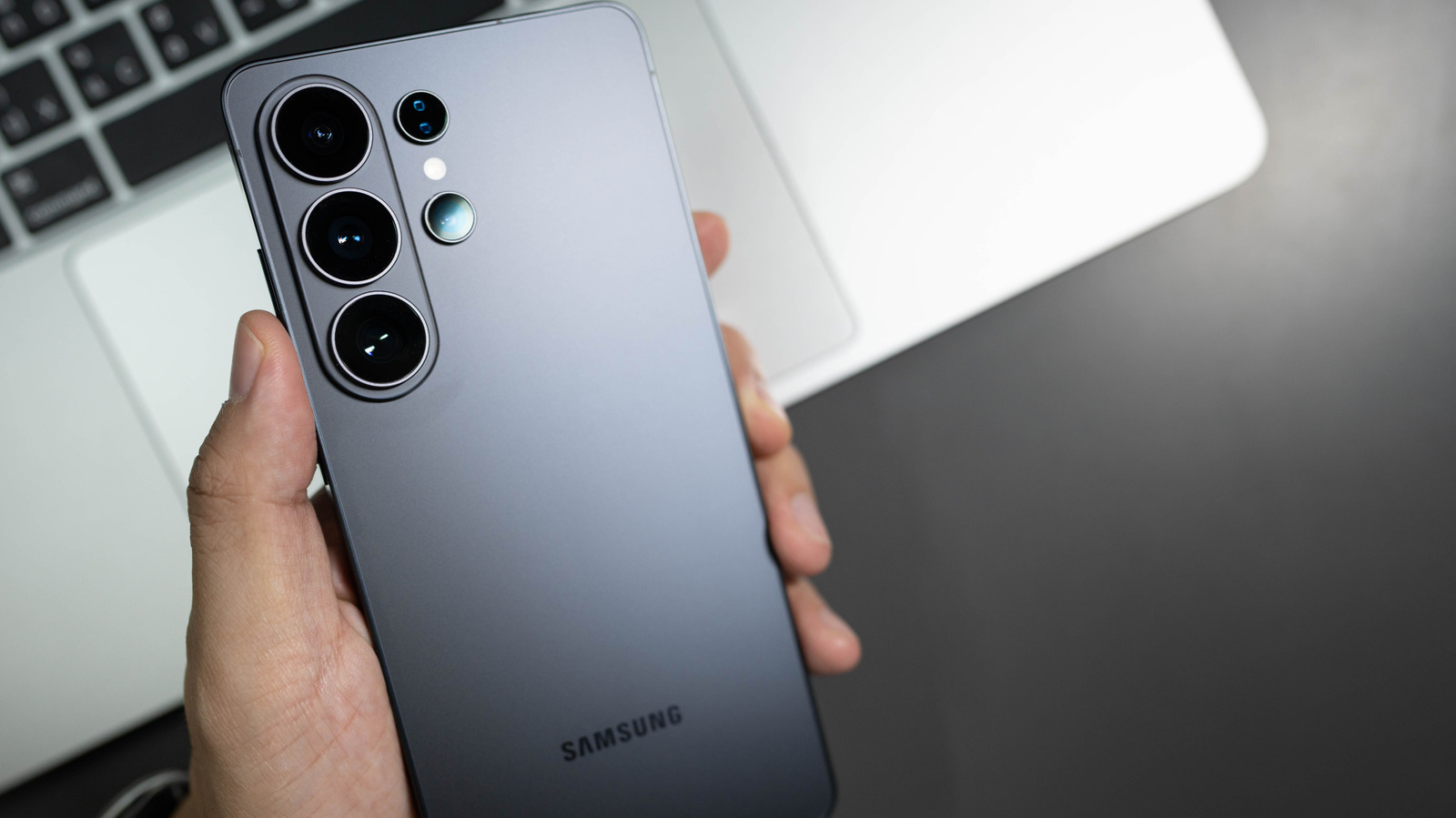
Samsung side button customization expands across the Galaxy line
Samsung side button customization debuted on September 20, 2026, allowing users to replace the default power toggle and Bixby shortcut with any app, mode, or AI assistant. The feature is available on devices from the Galaxy S8 series through the latest Z Flip, consolidating button-behavior settings into Settings → Advanced features → Side button.
How to remap the side button
- Open Settings → Advanced features → Side button.
- Select actions for Single press, Double press, and Long press.
- Choose from preset options (Camera, Flashlight, Magnifier, Voice Recorder, Samsung Notes, Modes & Routines, Samsung Capture) or tap Choose app to browse the full catalog.
For models with a physical Bixby key (S8-S10, Note 8/9), navigate to Settings → Advanced features → Bixby Key; you can reassign single- and double-press actions, but long-press remains locked to Bixby Voice. The original Engadget report provides the source details: Engadget.
Practical use cases
- Driving mode shortcut: Map the side button to Modes & Routines → Driving Mode to enable hands-free calling, navigation, and read-aloud messages.
- Instant voice memo: Assign a double-press to Voice Recorder; a single tap starts recording without unlocking the device, ideal for meetings.
- App launcher: Set the button to open frequently used apps such as Google Maps, WhatsApp, or a third-party AI assistant, reducing friction for power users.
These configurations are stored per-device profile, so users can maintain separate button maps for work and personal contexts via Samsung’s Secure Folder.
Impact on the ecosystem
Samsung side button customization narrows the functional gap with Android OEMs that already expose hardware shortcut mapping (e.g., OnePlus “Button Mapper”). By allowing third-party apps to launch directly from a hardware key, Samsung strengthens its app-ecosystem lock-in and gives developers a new entry point for deep integration.
Developers do not need new APIs; the system routes the chosen intent to the selected app. To appear in the chooser list, an app should declare a CATEGORY_DEFAULT intent filter for the android.intent.action.MAIN activity.
Limitations and open questions
- Long-press restriction: Users cannot assign a non-assistant function to long-press, which may frustrate those who prefer a single gesture for the power-off menu. Samsung could expose a hidden toggle in a future One UI update.
- Foldable behavior: On Galaxy Z Flip models, the side button’s function changes when the device is folded versus unfolded, but the UI does not surface this nuance. Users must test both states manually.
- Legacy Bixby key: Devices with a dedicated Bixby button cannot fully escape the assistant lock-in, potentially prompting owners to upgrade to newer hardware.
What to watch next
Analysts expect Samsung to extend side-button customization to its upcoming foldable line, adding context-aware profiles that switch actions based on screen state or connected accessories. Monitoring One UI release notes for a "Custom long-press" option will indicate whether Samsung responds to developer demand for deeper hardware control.
For a broader view of Samsung’s UI evolution, see the analysis of Android gaming-phone specifications in the recent Android Gaming Phone Specs: What to Look for in a Premium Device article.
Trusted source: Samsung
Related coverage
- Google TV and Apple Remote Features Turn Phones Into Universal TV Remotes
- Smart TVs Aren’t Enough: Why Streaming Devices Remain Essential in 2026
- Slate Truck EV: Affordable Pickup with Limited Range