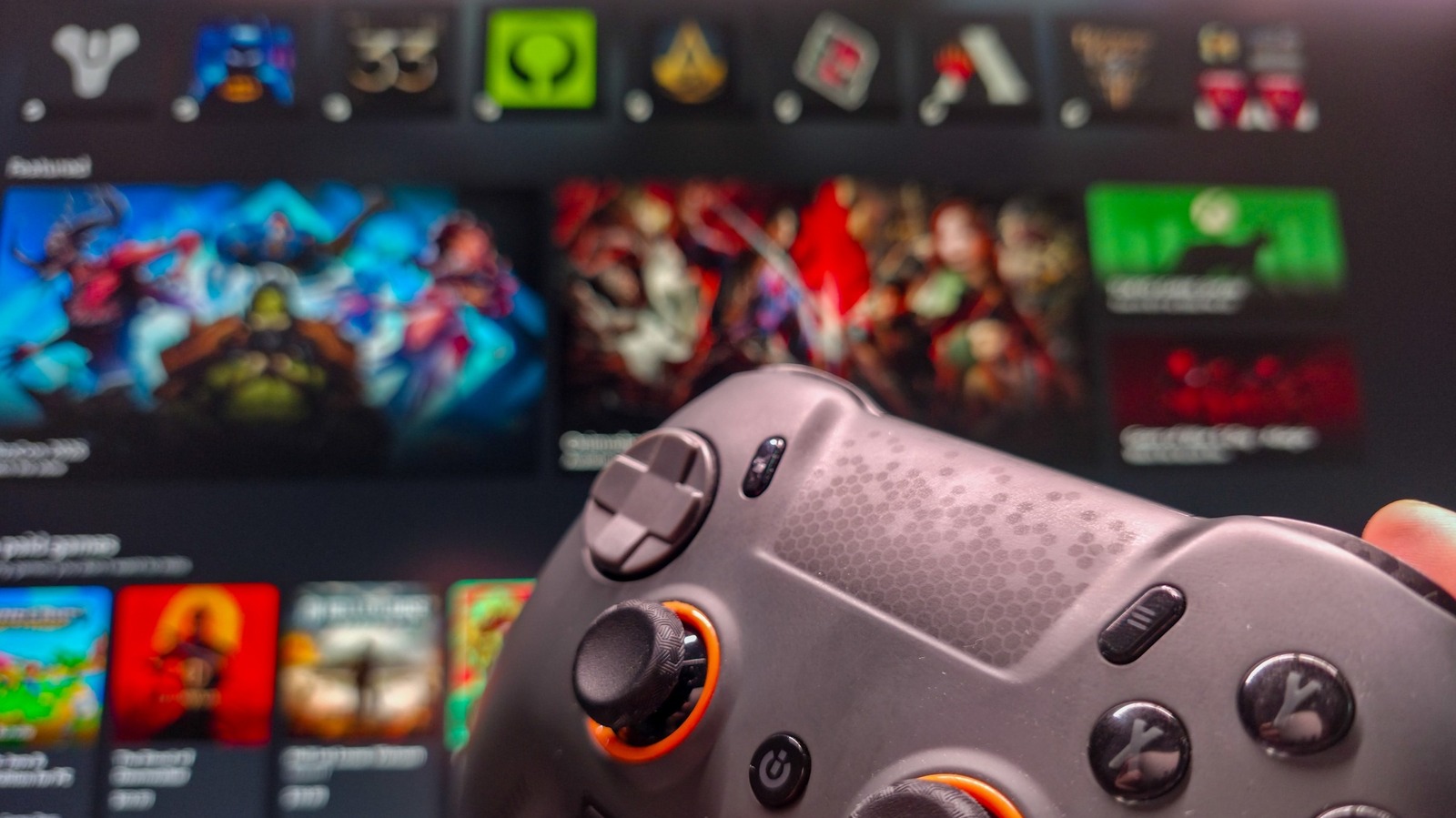
Xbox mode ships with Windows 11, unifying disparate game libraries
Microsoft rolled out Xbox mode to Windows 11 PCs in May 2026, positioning it as a controller-first overlay that replaces the traditional taskbar with a full-screen Xbox app. The feature arrives as part of the broader effort to make Windows 11 feel less fragmented after years of criticism over its UI complexity. By default the mode is disabled, but users can enable it in Settings → Gaming → Xbox mode, then toggle shortcuts such as Win + F11 to switch between the desktop and the Xbox UI. The option to launch Xbox mode on startup and to show a shortcut in Task View further streamlines access for dedicated gamers.
What does Xbox mode actually do?
Xbox mode consolidates game titles from Steam, Epic Games Store, Battle.net, Ubisoft Connect, Humble Launcher and other launchers into a single library view inside the Xbox app. When a user selects a game, the overlay launches the executable directly, bypassing the launcher UI. This reduces the number of windows and mouse clicks required to start a title, though the underlying launch speed remains comparable to opening the launcher manually. The mode also supports any standard gamepad—including Xbox, PlayStation and third-party controllers—making it suitable for living-room PCs and handheld devices.
How does Xbox mode interact with Game Pass and cloud gaming?
Subscribers to Xbox Game Pass see their entire subscription catalog within the same overlay, and the Cloud Gaming tab remains functional. Notably, the Xbox app allows users to set Nvidia GeForce Now as the default streaming service, meaning Xbox mode does not lock gamers into Microsoft’s cloud ecosystem. This flexibility mirrors the open-platform stance Microsoft has taken with its recent Windows updates.
Technical distinction from Game Mode
A common misconception is that Xbox mode boosts frame rates or reduces latency. Microsoft clarifies that performance optimizations are handled by Game Mode (Settings → Gaming → Game Mode), which disables background processes while a game runs. Xbox mode is purely a UI layer; it does not alter CPU scheduling, GPU clock speeds, or DirectX settings. Users seeking tangible performance gains should enable Game Mode in addition to Xbox mode.
Practical workflow for power users
- Connect a controller – any XInput-compatible device works.
- Enable Xbox mode – Settings → Gaming → Xbox mode.
- Add missing titles – In the Xbox app’s Library tab, click the plus icon to import games not automatically detected.
- Pre-load launchers – Opening Steam, Epic or Battle.net before entering Xbox mode reduces the time the overlay spends locating executables.
- Toggle – Use Win + F11 to switch in and out of the mode; press Win while in Xbox mode to access Task View and return to the desktop.
These steps mirror the workflow recommended by the original Engadget report, which emphasized the need to have launchers open for smoother transitions.
Market implications and ecosystem impact
Xbox mode signals Microsoft’s intent to keep Windows competitive against Valve’s SteamOS and Linux-based gaming rigs. By aggregating multiple storefronts, Microsoft reduces the friction that drives some gamers toward alternative OSes. However, the feature’s limited performance impact means it is unlikely to sway hardcore PC gamers who already rely on custom launchers and performance tweaks. The real value lies in casual and console-transition users who appreciate a unified, controller-centric experience.
Analysts note that the timing aligns with Microsoft’s broader push to integrate Xbox Game Pass across devices, including Android, iOS and now Windows desktops. If Xbox mode adoption grows, it could increase Game Pass churn rates, as users find a seamless path from subscription to launch without leaving the Windows environment.
What remains uncertain
The Engadget piece observed that game launch times were “not the quickest or smoothest” in testing, suggesting that deeper integration with third-party launchers could improve the experience. Microsoft has not disclosed a roadmap for tighter API hooks with Steam or Epic, leaving the current implementation as a surface-level aggregation. Future updates may address these latency concerns, but for now the feature is best suited for users who prioritize convenience over raw performance.
Next steps for developers and gamers
- Developers should ensure their games expose a clean executable entry point so Xbox mode can detect them without requiring the launcher UI.
- Gamers interested in a console-like experience on a PC should enable the Task View shortcut, allowing a quick switch back to productivity tasks without leaving the Xbox overlay.
- Enterprise IT departments may consider disabling Xbox mode on shared machines to maintain a consistent desktop environment, as the mode can hide system controls.
For a broader look at how Microsoft’s UI changes fit into the evolving PC gaming landscape, see the recent analysis of Steam’s Big Picture mode on the VentureBeat site.
How do I exit Xbox mode?
Press Win + F11 again, or click the Exit Xbox mode button in the top-right corner of the Xbox app home screen.
Can I customize the Xbox mode home screen?
The overlay inherits the standard Xbox app settings; users can pin favorite titles, reorder sections, and choose a dark or light theme via the app’s Settings menu.
Related coverage
- Google TV and Apple Remote Features Turn Phones Into Universal TV Remotes
- Smart TVs Benefit from Standby Mode with Faster Boot and Panel Care
- Smart TVs Aren’t Enough: Why Streaming Devices Remain Essential in 2026