Quick Voltage Check with a Multimeter
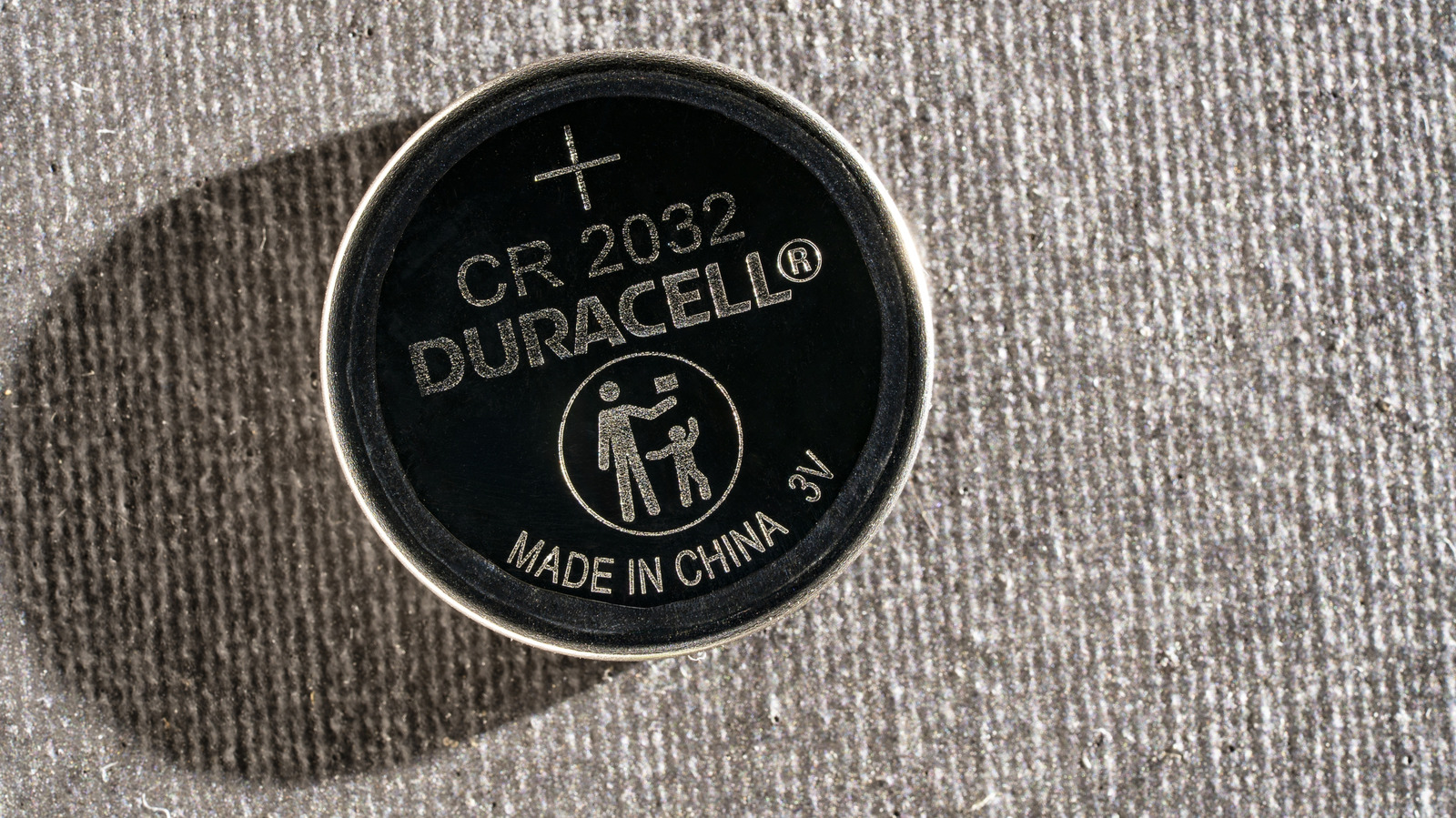
A CR2032, the 3V lithium coin cell common in key fobs, AirTags, and smart sensors, can be inspected with a basic digital multimeter. Set the meter to DC voltage, choose a range above 3V (typically 20V), and connect the black lead to COM and the red lead to the V port. Hold the battery by its edges on a non-conductive surface. Touch the red probe to the broad, positively marked face and the black probe to the center of the smaller negative face. A reading near 3V indicates a fresh cell; a drop toward 2.5V suggests the battery is nearing end-of-life. Remember that the meter draws almost no current, so a nominal voltage does not guarantee the battery can sustain the load a device demands.
Inspecting Physical Condition
Before measuring, examine the battery for crusty residue, rust-colored patches, swelling, or leakage. Any of these signs warrant immediate replacement. Also check the device’s contacts for corrosion; a clean battery can still fail if the contacts are compromised.
Load Test Using an LED
If a multimeter is unavailable, a small red or yellow LED can serve as a rudimentary load test. Connect the LED’s longer leg to the battery’s positive side and the shorter leg to the negative side. If the LED lights, the battery can supply a modest current. A dark LED does not confirm failure, as the cell may still power a low-current device. This method only verifies that the battery can source current, not how long it will last.
Device-Specific Guidance
Apple’s AirTag displays a "Low Battery" icon in the Find My app; if shown, replace the CR2032 without further testing. Apple recommends using batteries labeled "Compatible with Apple AirTag". Samsung’s SmartTag2 advertises up to 500 days of battery life in normal mode; users should monitor the device’s battery indicator and replace when the indicator shows depletion.
Cost and Practicality of Testing Tools
Dedicated coin-cell testers cost around $10 but often measure only voltage, not load performance. Basic multimeters can be purchased for less than $20 and offer broader utility across battery types. For a single $3 battery, the investment may seem high, yet the ability to diagnose intermittent failures can save time and prevent device downtime.
Safety and Disposal
After removal, keep the CR2032 out of children’s reach. Tape the terminals before disposing of the battery to prevent short circuits. If swallowed, seek emergency medical care immediately, as internal injuries can occur within two hours.
Why Voltage Alone Is Insufficient
A CR2032 that reads 3V may still struggle under the higher current draw of a key fob or tracker. Devices that require bursts of power can expose a cell’s internal resistance, causing voltage sag that a static meter reading will not reveal. Therefore, developers and technicians should consider performing a load test or replacing the battery outright when devices exhibit sluggish or intermittent behavior.
Practical Steps for Developers
- Measure voltage with a multimeter set above 3V.
- Inspect for physical damage or corrosion.
- Test load with an LED if a meter is unavailable.
- Replace if voltage is below 2.5V, if the battery shows physical signs of wear, or if the device’s battery indicator reports low.
- Document the test results to correlate with device performance logs.
When to Trust the Meter
If a device consistently operates correctly after a 3V reading, the battery is likely adequate. However, if the device still misbehaves, a fresh CR2032 should be installed before concluding the device is defective. This approach reduces false positives in troubleshooting and ensures that battery health is accurately assessed.
Bottom Line
A multimeter offers a quick, inexpensive way to gauge a CR2032’s voltage, but developers should remember that voltage alone does not guarantee performance under load. Physical inspection, optional LED load testing, and device-specific battery indicators provide a fuller picture of battery health. Replace batteries that show corrosion, swelling, or low voltage, and follow manufacturer guidelines for AirTag and SmartTag2 replacements.
Related coverage
- Meta AI Scraping: Updated Terms Still Leave Door Open for News Site Scraping
- Apple HomeView Launches a New Smart Panel, but Renters Face Mixed Value
- Meta Confidential Computing Extends Private Processing to AI Glasses