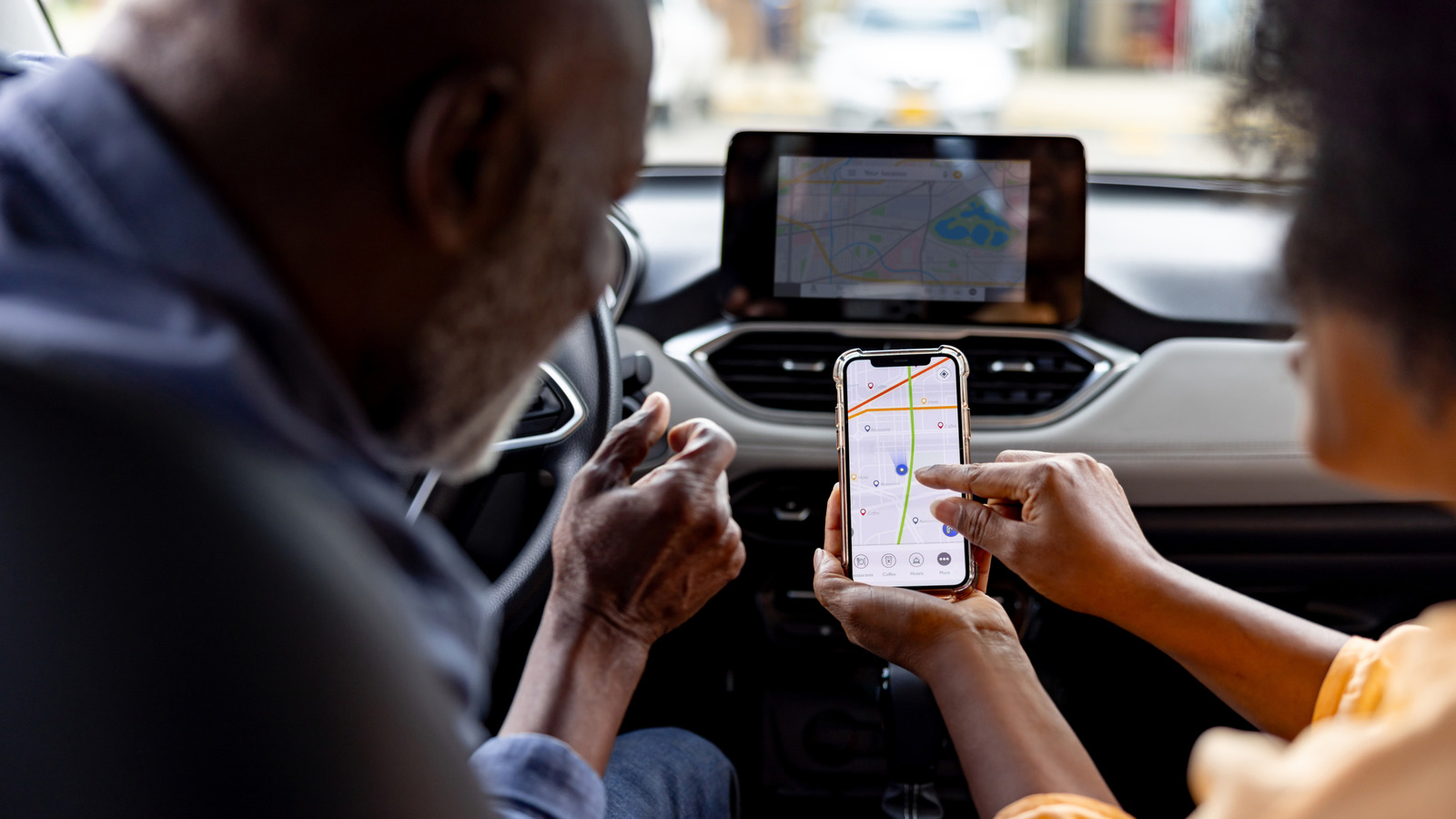
Apple CarPlay has matured since its 2014 debut, yet the platform still lacks native multi-phone arbitration. On September 19, 2026, Engadget reported that when two iPhones are paired to the same vehicle, the infotainment system will arbitrarily select one, often the passenger’s device, forcing the driver to intervene manually. This guide explains how to execute a CarPlay switch iPhone, evaluates manufacturer-specific quirks, and presents media-only workarounds that avoid a full CarPlay hand-off. For deeper troubleshooting, see our official Apple guidance on CarPlay at Apple Support.
Introduction to CarPlay Switch iPhone
The CarPlay switch iPhone process is crucial for drivers who need to switch between two iPhones connected to their vehicle’s infotainment system. This process can be tricky, but understanding the underlying technology and manufacturer-specific settings can make it easier. In this article, we will delve into the world of CarPlay, exploring its limitations, workarounds, and future developments.
Why CarPlay Chooses One Phone Over Another
CarPlay creates a BLE link for control and a Wi-Fi Direct channel for data. When two phones broadcast compatible credentials, the head-unit applies a first-seen or strongest-signal heuristic. iOS does not expose a “primary device” flag; the vehicle firmware decides which phone connects. Manufacturer implementation variance makes behavior unpredictable across fleets. For instance, Hyundai provides a UI toggle, while Ford relies on implicit ordering.
Primary-Phone Setting (Bluetooth Menu)
To set the driver’s iPhone as the primary device, follow these steps:
- Open the infotainment system’s Settings → Bluetooth → Paired Devices.
- Locate the driver’s iPhone entry and select Set as Primary or Preferred Device.
- Save changes; the system will auto-connect to this device on subsequent engine starts. Hyundai’s user manual confirms this toggle, and multiple Reddit threads cite successful use.
Manual Disconnection of the Passenger Phone
To manually disconnect the passenger’s phone, follow these steps:
- On the passenger’s iPhone, disable Bluetooth and Wi-Fi (Settings → Airplane Mode or individual toggles).
- The head-unit falls back to the remaining active connection. However, this fix is temporary; the passenger must re-enable connectivity for any other purpose.
Wired Connection Override
To override the wireless connection with a wired one, follow these steps:
- Plug the driver’s iPhone into the USB-C or Lightning port.
- The head-unit typically prioritizes the wired link, terminating the wireless session. However, some models (e.g., older Audi MMI) retain the wireless link for background services, causing occasional flicker.
Manufacturer-Specific Nuances
Manufacturers like Hyundai, BMW, Ford, and Tesla have distinct approaches to handling multiple iPhones. Hyundai provides a primary-phone toggle, while BMW relies on Bluetooth order. Ford includes phone selection in the Driver Profile menu, and Tesla uses a “last connected” rule. Knowing these differences helps drivers use CarPlay smoothly. For example, Hyundai’s primary-phone toggle reduces friction, while BMW’s Bluetooth order can lead to unpredictable behavior.
SharePlay (iOS 17+)
SharePlay allows passengers to join the driver’s Apple Music session without needing CarPlay control. Passengers can add, reorder, or delete tracks without interrupting the driver’s session. Only the host needs an Apple Music subscription; passengers can join for free. However, SharePlay does not extend to navigation, messaging, or third-party apps.
Spotify Jam
Spotify’s Jam feature mirrors SharePlay’s collaborative queue but works across iOS and Android. Participants join a local session via a QR code or Join Jam button; premium is not required for in-car use. Like SharePlay, Jam only affects audio playback.
Operational Risks and User Experience Implications
Manual toggling of Bluetooth while driving can violate hands-free regulations in several jurisdictions (e.g., California Vehicle Code §27602). Users should perform switches before vehicle motion. Repeated Bluetooth reconnections drain battery life on both phones, especially if the infotainment system lacks low-energy reconnection intervals. Apple’s CarPlay roadmap hints at a “multi-user” mode in iOS 18, but no official timeline exists. Until then, manufacturers bear the burden of implementing priority logic.
What to Watch Next
Apple’s CarPlay roadmap hints at a “multi-user” mode in iOS 18, which could enable apps to request primary status programmatically. Several OEMs have announced OTA patches (e.g., Hyundai 2026.1) that expose a “Driver-First” toggle in the infotainment UI. The NHTSA is reviewing infotainment UI designs for driver distraction; any solution that requires in-motion interaction may face stricter guidelines.
By understanding the Bluetooth/Wi-Fi arbitration, leveraging manufacturer settings, and employing SharePlay or Spotify Jam for media control, drivers can maintain a seamless CarPlay experience even when multiple iPhones share the cabin. The technical constraints remain, but the workarounds outlined above provide practical, safety-compliant paths for today’s multi-user vehicles.
Related Coverage
For more information on CarPlay and related technologies, visit our source article and explore our CarPlay coverage.
Explore More on This Topic
To learn more about the latest developments in CarPlay and infotainment systems, visit our website and follow our CarPlay tag for the latest news and updates.