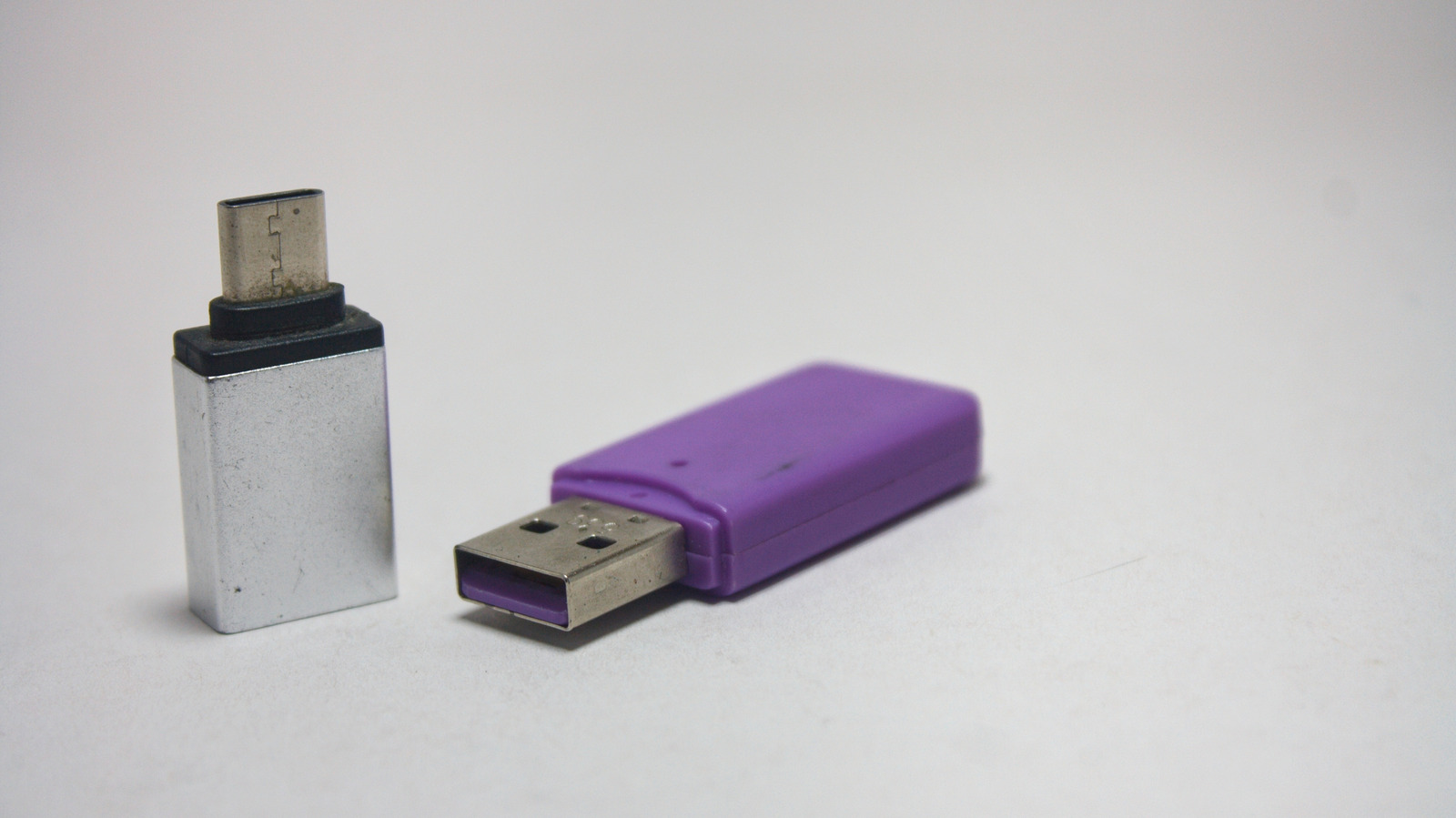
How to pick a USB-to-USB-C adapter that actually works, not just looks the part. The market is flooded with tiny plastic bridges, but the spec printed on the box—USB 2.0, 3.0, or 3.2 Gen 2—makes a huge difference in data throughput and charging power. Below is a scannable Top 7 list that cuts through the hype and shows exactly what to check before you click “Add to Cart”.
1. Verify the USB version on the packaging
- USB 2.0 – 480 Mbps max, 5 V × 0.5 A (≈2.5 W) – up to 7.5 W with a wall charger.
- USB 3.0 – 5 Gbps, 5 V × 1.5 A (≈7.5 W) – can reach 12-15 W on a dedicated charger.
- USB 3.2 Gen 2 – 10 Gbps, up to 20 W with Power Delivery (PD) support.
Takeaway: If you need faster file copies or higher-wattage charging, the version is the first gatekeeper.
2. Match the adapter to the host port’s capability
- A laptop with a USB-A 2.0 port cannot exceed 480 Mbps, even with a 3.0 adapter.
- A desktop’s USB-A 3.0 port can feed the adapter up to 5 Gbps and 7.5 W.
- For USB-C PD chargers, the adapter’s rating matters only if the charger supplies more than the host port can handle.
Takeaway: Buying a higher-spec adapter won’t magically upgrade an old 2.0 port.
3. Prioritize certified safety features
- Look for UL, CE, or USB-IF logos.
- Verify over-voltage protection (OVP) and over-current protection (OCP) in the product description.
- Avoid no-brand adapters that lack any certification; they often skip internal voltage regulation.
Takeaway: A few extra dollars for a certified part saves you from costly port repairs.
4. Align the adapter with your use case
- Low-power peripherals (mouse, keyboard, wearables) – USB 2.0 is sufficient.
- External SSDs or flash drives – require at least USB 3.0 to avoid bottlenecks.
- Phone charging on the go – a 3.0 adapter with 12 W capability can keep a phone alive, but expect slower charge than a direct USB-C cable.
Takeaway: Choose the spec that meets the highest demand of your intended device.
5. Check the connector build quality
- Gold-plated contacts reduce corrosion and improve signal integrity.
- Reinforced strain relief prevents cable breakage at the junction.
- Cable length matters: longer cables add resistance, reducing charging efficiency.
Takeaway: Physical durability directly impacts long-term reliability.
6. Beware of hidden power limits in wall adapters
- Many USB-A wall chargers cap at 7.5 W; plugging a 3.0 adapter into such a charger won’t exceed that limit.
- Some modern chargers advertise 15 W on USB-A ports—pair them with a 3.0 adapter to get the full benefit.
Takeaway: The weakest link in the chain dictates the final performance.
7. Monitor real-world performance and plan for upgrades
- Use a USB-C power meter (e.g., Plugable USB-C Power Meter) to verify voltage and current after purchase.
- If you notice slow transfer speeds or excessive heat, replace the adapter with a higher-spec, certified model.
- Keep an eye on upcoming USB 4 adapters that will support up to 40 Gbps and 100 W PD—future-proofing your setup.
Takeaway: Regular testing catches early failures and informs future buying decisions.
Why the right adapter matters for developers and power users
Developers who move large codebases or VM images between laptops and external SSDs can lose minutes per transfer if stuck on a USB 2.0 bridge. Likewise, power-hungry devices like the Pixel 8 Pro demand at least 15 W for fast charge; a sub-par adapter throttles that, forcing users to carry an extra charger. The cumulative effect is reduced productivity and higher hardware wear.
Regulatory and market context
The USB-IF organization tightened certification requirements in 2025, mandating OVP and OCP for all USB-C adapters sold in the U.S. and EU. Manufacturers that ignore these rules risk fines and product recalls. This shift explains why many legacy no-brand adapters have vanished from major retailers, leaving a clearer market for certified options.
What to watch next
- USB 4 adapters are expected to hit mainstream shelves by early 2027, offering double the bandwidth of USB 3.2 Gen 2.
- Apple’s transition to USB-C only MacBooks will increase demand for high-wattage adapters that can handle 65 W+ charging.
- EU’s “Common Charger” directive may soon require all adapters to support a minimum of 15 W PD, reshaping the entry-level segment.
For a practical comparison of adapter specs, see the table below. All figures are taken from manufacturer datasheets and the USB-IF certification database.
| Adapter Spec | Max Data Rate | Max Power (W) | Certification |
|---|---|---|---|
| USB 2.0 | 480 Mbps | 7.5 (wall) | UL, CE |
| USB 3.0 | 5 Gbps | 12-15 | USB-IF, UL |
| USB 3.2 Gen 2 | 10 Gbps | 20 (PD) | USB-IF, CE |
| USB 4 | 40 Gbps | 100 (PD) | USB-IF (pending) |
Bottom line: The adapter you choose is a tiny but critical link in your power and data chain. Verify the USB version, match it to your host port, demand safety certifications, and align the spec with your actual workload. Doing so prevents slow transfers, weak charging, and costly hardware failures.
For a deeper dive into how peripheral standards affect device longevity, read our analysis of the upcoming USB 4 rollout.
Related coverage
- Is the Original Nintendo Switch 2026 Still Worth Buying?
- Smart TVs Benefit from Standby Mode with Faster Boot and Panel Care
- Retroid Pocket Duo Lite Plus Expands Handheld Gaming Options