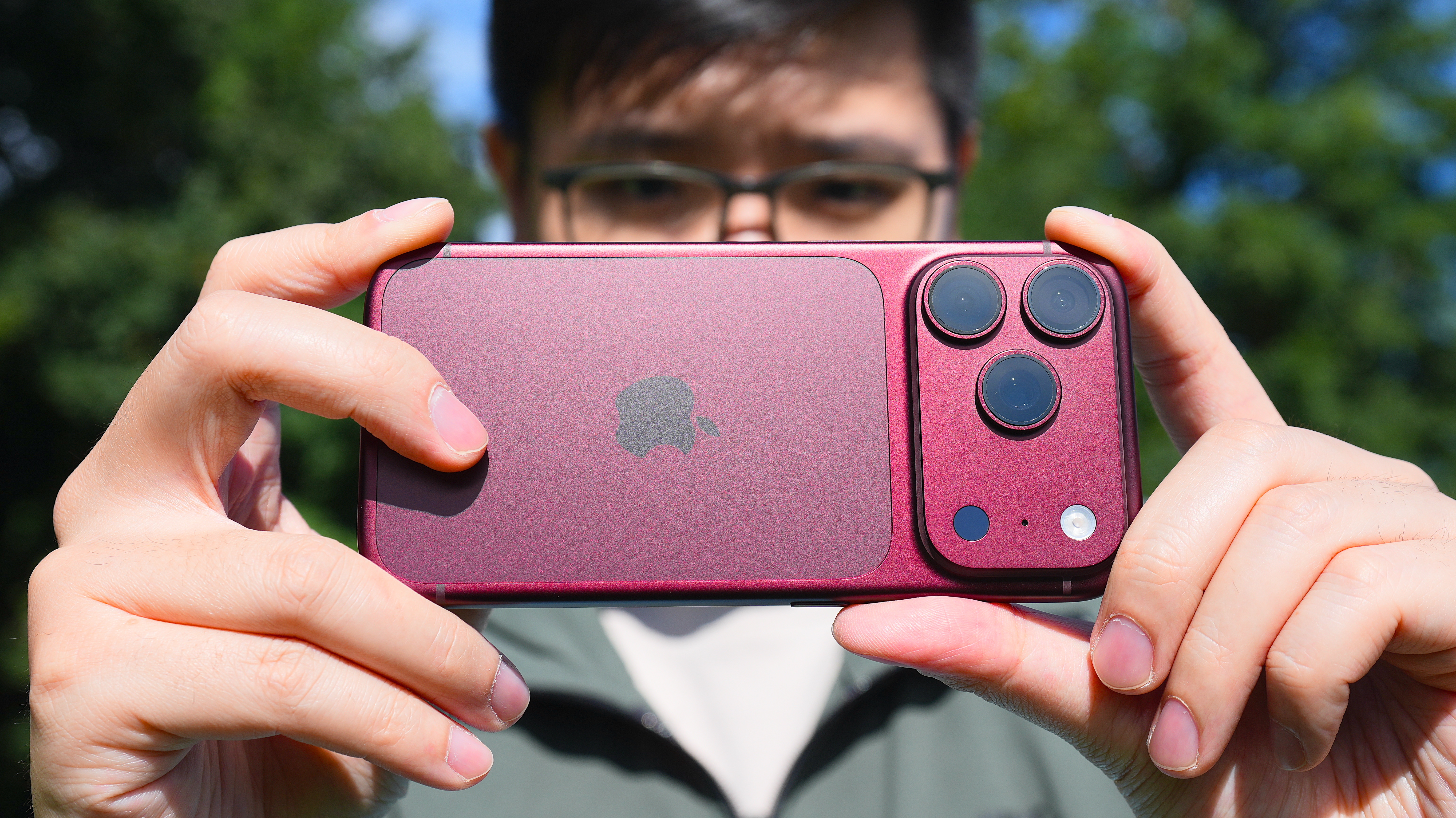
Apple iOS 27.2 Adds Siri Memory, Dual-Camera FaceTime, and More
Apple released iOS 27.2 on October 26, 2026, marking the first major update for the current OS. The headline change is the addition of conversational memory to Siri AI, allowing the assistant to reference prior chats in new interactions. The update also unlocks simultaneous use of front and rear cameras on FaceTime, expands Siri’s language beta, and introduces several accessibility and media features.
Siri AI Gains Conversational Memory
Siri’s new memory capability stores context from previous conversations locally on the device. When a user asks a follow-up question, Siri can retrieve earlier responses and incorporate them into the current dialogue. The feature is enabled by default, but users can opt to restrict app access through the Settings > Siri & Search > Siri AI & Search Spotlight panel. Apple claims the memory is confined to the device, avoiding cloud transmission of personal data.
The update also broadens Siri’s data sources. In addition to voicemails, Safari history, and photos attached to messages, Siri can now reference calendar invites and reading lists. Users can selectively grant or deny access to each source, giving granular control over the assistant’s knowledge base.
Dual-Camera FaceTime Enables Immersive Group Calls
FaceTime now supports simultaneous front- and rear-camera streams on a single call. A user can broadcast themselves via the front camera while the rear camera captures the surrounding room, allowing the remote party to see both the speaker and the environment. The feature works on iPhone, iPad, and Mac devices running iOS 27.2.
Both ends of the call must run 27.2 for the dual-camera view to appear. If only one device updates, the caller sees a single camera feed. The feature is available in one-to-one and group calls, but the remote participant must also have the latest OS to view the combined feed.
Accessibility Enhancements
Apple added support for third-party sign-language interpreters and live captioners on video calls. The new option appears in the FaceTime call settings, allowing a deaf or hard-of-hearing user to invite an interpreter or captioning service. The interpreter or captioner must run an iOS 27.2 device to participate.
Expanded Language Beta for Siri AI
The Siri AI beta now includes French, Japanese, Korean, Portuguese, and Spanish. The expansion follows the same on-device processing model used for English, ensuring that language models remain private to the device. Users can opt into the beta via Settings > Siri & Search > Siri AI & Search Spotlight > Siri AI Beta.
New Media and Messaging Features
iOS 27.2 introduces Multiview Expansion on the iPhone, allowing up to four live sports streams to be displayed simultaneously. The feature is limited to Apple TV subscriptions and supports Major League Soccer, Formula 1, and MLB doubleheaders. Users can switch between driver-view cameras, course maps, and standard feeds during a Formula 1 race.
The Messages app now offers context-aware suggestions, such as adding an event to the calendar or creating a reminder based on a conversation. The suggestions appear as inline prompts and can be accepted with a single tap.
Podcasts App Updates
The Podcasts app received a refreshed Up Next section, which now aggregates upcoming episodes across subscribed shows. The interface groups episodes by release date and allows users to preview metadata before adding them to a queue.
What’s Next for iOS 27?
Apple has not announced a schedule for iOS 27.3, but the company is likely to focus on refining Siri’s memory persistence and expanding the dual-camera feature to support more camera configurations. The accessibility updates suggest a continued push toward inclusive communication tools.
Bottom Line
iOS 27.2 delivers tangible improvements to Siri’s conversational depth, FaceTime’s visual flexibility, and accessibility options. The updates require all parties to run the latest OS for full functionality, and the new features rely on on-device processing to preserve privacy. Apple’s incremental approach continues to prioritize user control over data access while adding new media experiences.
Related coverage
- Old Chromebook Repurpose: Keep Your Device Alive After a Googlebook Upgrade
- r/opensource AI ban sparks rift over non-English posts
- Anthropic Security Scanning Adds Opt-In Vulnerability Detection for Critical Open-Source Projects